
Fake YouTube Comments Generator
Forge a YouTube comment section screenshot, then save it to Jester.
Comments
Try one:
Preview
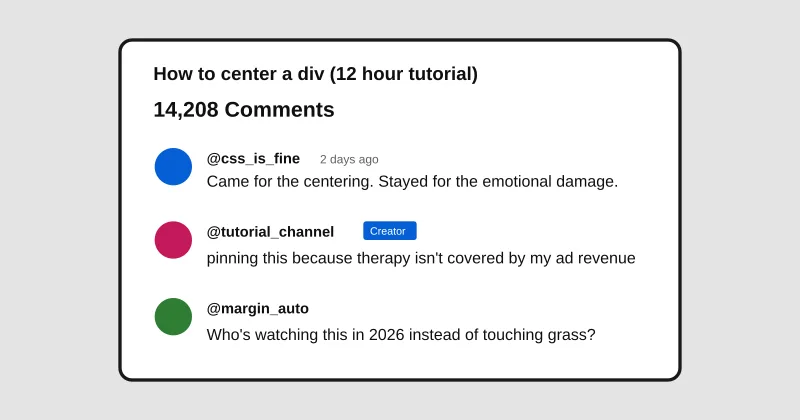
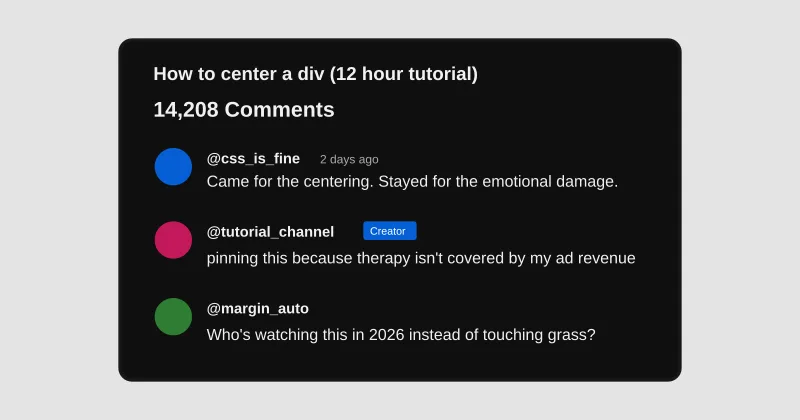
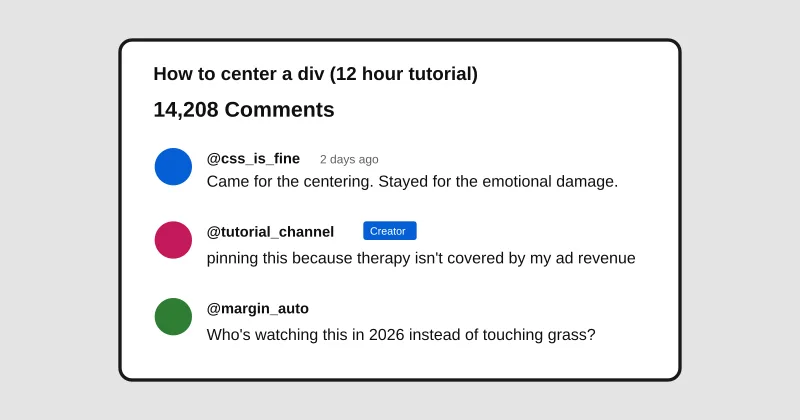
How to center a div (12 hour tutorial)
14,208 Comments
Sort by
@css_is_fine2 days ago
Came for the centering. Stayed for the emotional damage.
👍 19K👎Reply
▾ 312 replies
@tutorial_channelCreator2 days ago
pinning this because therapy isn't covered by my ad revenue
👍 8.1K👎Reply
@margin_auto1 day ago
Who's watching this in 2026 instead of touching grass?
👍 4,002👎Reply
▾ 88 replies
Examples
FAQ
- What is the Fake YouTube Comments Generator?
- It is a free Memelord tool that lets you build a realistic YouTube comment section — authors, likes, creator badges, light/dark theme — then save it into Jester.
- How do I use the Fake YouTube Comments Generator?
- Set the video title and comment count, add or edit comments, preview live, then press Save. Sign in if prompted and the screenshot opens in Jester.
- Is the Fake YouTube Comments Generator free?
- Yes. Composing is free in your browser and does not use AI. Saving requires a Memelord account so the image can open in Jester.