
4chan Green Text Generator
Create a realistic looking 4chan post. Type your text, add an image, preview it in the classic 4chan board style, and download it.
Write whatever you want your post to contain. Start a line with > to turn it green — everything else stays as normal text.
Attach an image to your post.
Click, drop, or paste a JPG, PNG, WebP, HEIC, or HEIF image.
Try one:
Result
Add your text aboveon the left to start building your post. Your preview will appear here.
Example 1
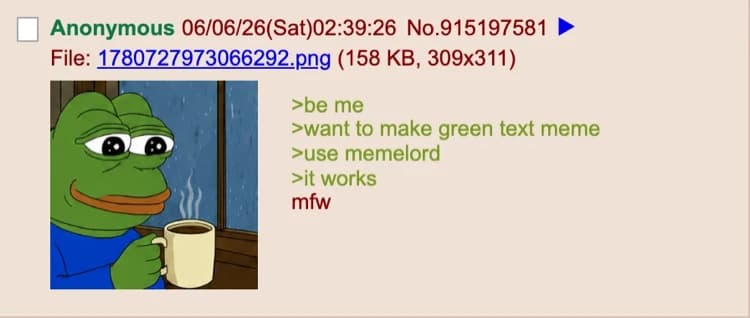
Example 2
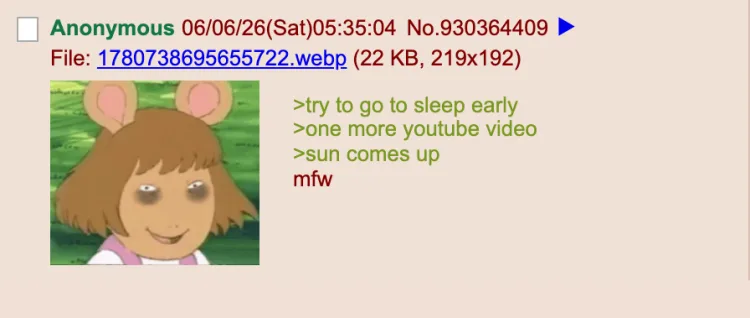
Example 3
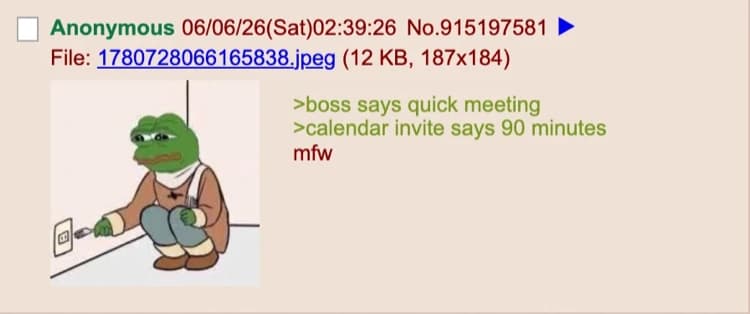
Example 4
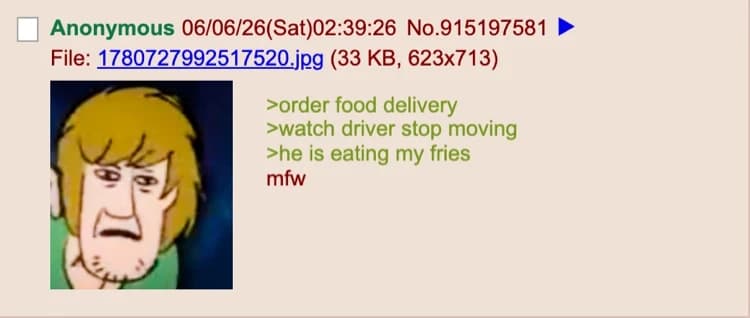
About this generator
Write your own custom 4chan-style greentext story. This generator formats your text in 4chan’s signature greentext style so it looks like it came straight out of a real thread.
Frequently asked questions
- What is the 4chan Green Text Generator?
- It is a free tool that turns your text into a classic 4chan-style greentext image, complete with the recognizable Yotsuba-style post formatting and green > lines.
- How do I use the 4chan Green Text Generator?
- Type your greentext story line by line, preview it live, then download the image.