
Fake iMessage Generator
Build a realistic iMessage chat with blue and gray bubbles, then save it to Jester.
Messages
Try one:
Preview
‹
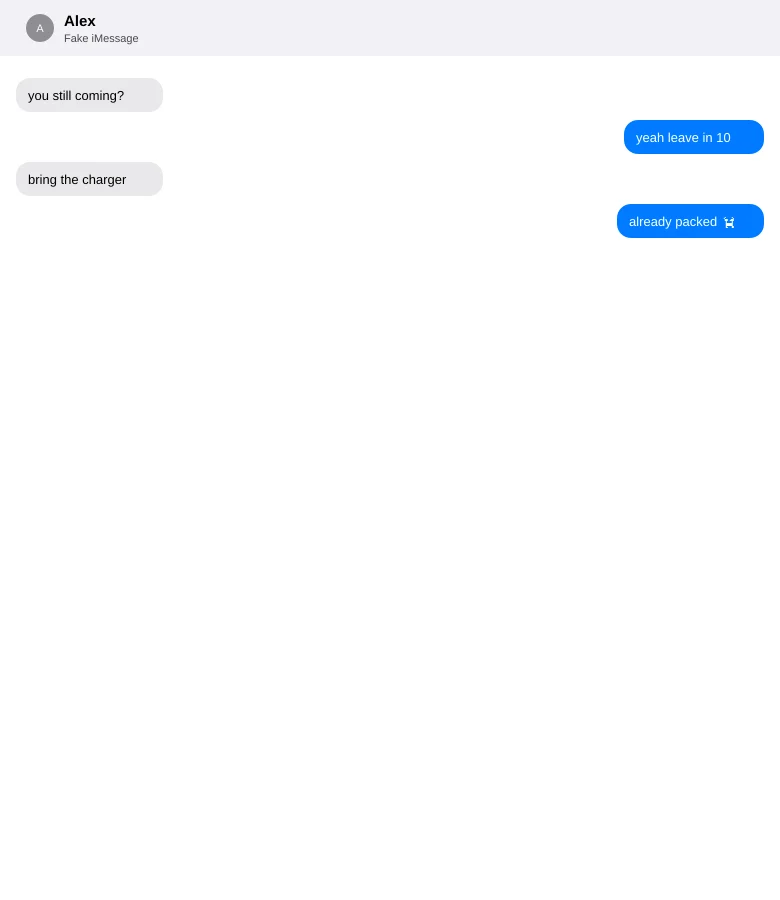
Alex
iMessage
Friday 7:12 PM
you still coming tonight?
Friday 7:13 PM
yeah leave in 10
Friday 7:13 PM
bring the charger this time
Friday 7:14 PM
already in my bag 😭
Read
Examples
FAQ
- What is the Fake iMessage Generator?
- It is a free Memelord tool that lets you build a realistic iMessage-style conversation — contact name, blue and gray bubbles, optional timestamps and read receipts — then save it into Jester.
- How do I use the Fake iMessage Generator?
- Set the contact name, add messages as You (blue) or Them (gray), optionally toggle timestamps, read receipts, or a typing indicator, preview the chat live, then press Save. Sign in if prompted and the chat image opens in Jester.
- Is the Fake iMessage Generator free?
- Yes. Composing is free in your browser and does not use AI. Saving requires a Memelord account so the image can open in Jester.