
Fake Grok Conversation Generator
Build a realistic Grok-style conversation, then save it to Jester.
Messages
Try one:
Preview
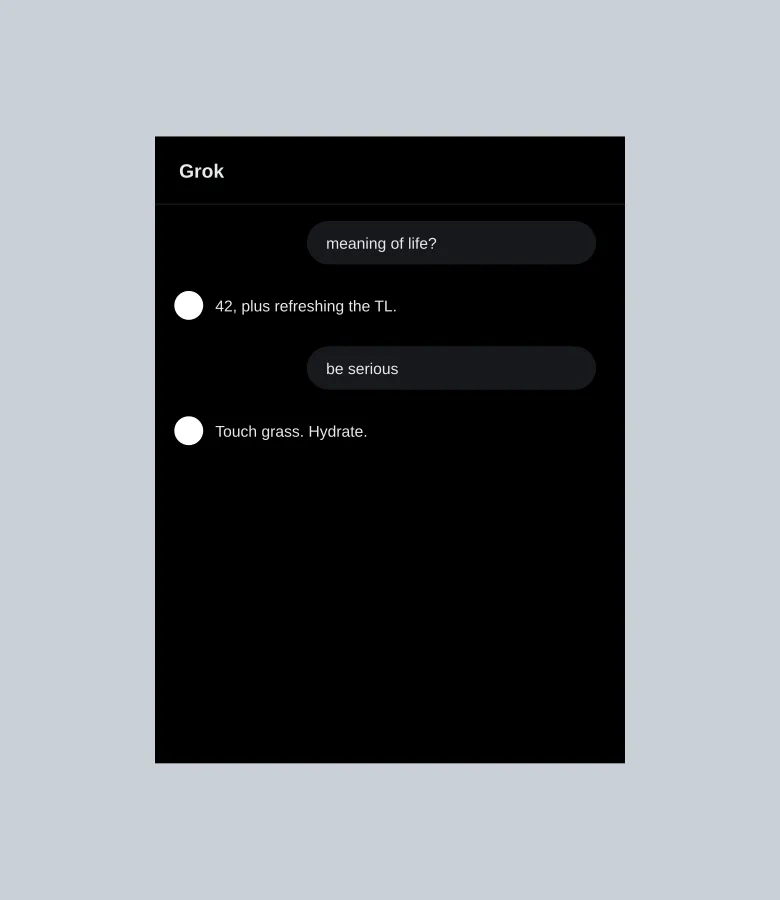
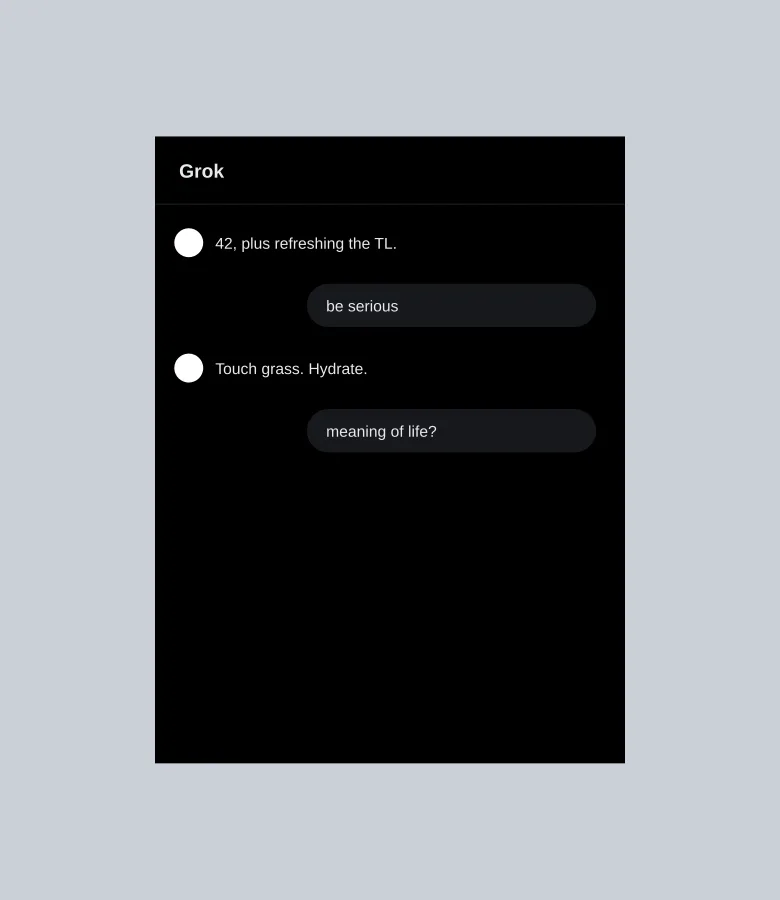
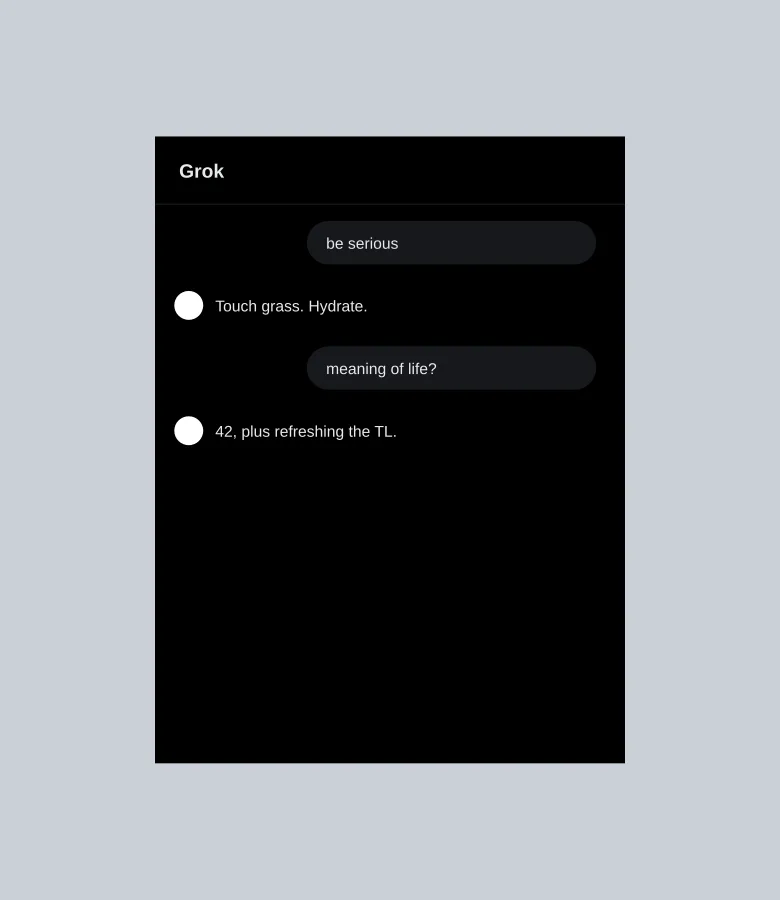
Grok
Fun Mode
what's the meaning of life
42, but the real answer is refreshing the timeline until something funny happens.
be serious
Fine. Touch grass, hydrate, and stop arguing with strangers about fonts.
Examples
FAQ
- What is the Fake Grok Conversation Generator?
- It is a free Memelord tool that lets you build a realistic Grok-style AI chat screenshot — model label, user and assistant turns, light or dark mode — then save it into Jester.
- How do I use the Fake Grok Generator?
- Set the model name, add You and Assistant messages, tweak dark mode or typing, preview the chat, then press Save. Sign in if prompted and the image opens in Jester.
- Is the Fake Grok Generator free?
- Yes. Composing is free in your browser and does not use AI. Saving requires a Memelord account so the image can open in Jester.