🐺 ANIMORPHS · BOOK COVER GENERATOR · 🦅



Animorphs Book Cover
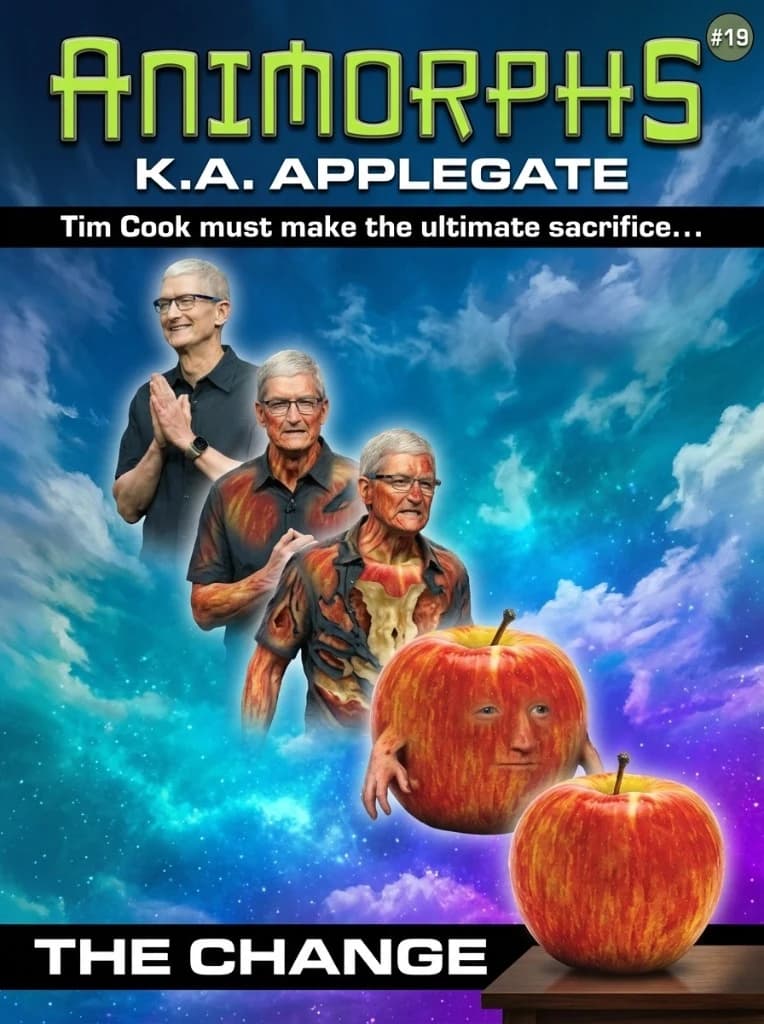
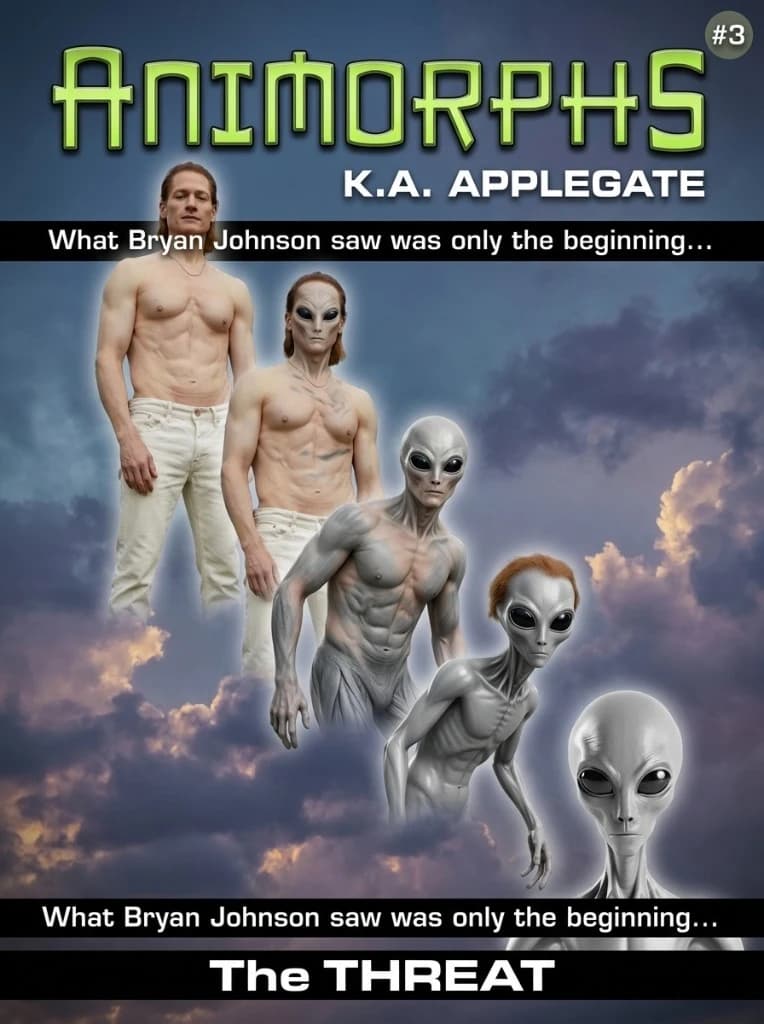
Real-looking 1990s Animorphs paperback cover. Upload your photo and anything you want to morph into — creature, object, vehicle, anything — and we generate a 5-stage Mattingly-style morph column, the ANIMORPHS wordmark, a tagline bar, a fake book number, and a K.A. Applegate credit.
your face
Click, drag, or paste · auto-compressed (paste here next)
creature, object, anything
Click, drag, or paste · auto-compressed
Used in the tagline. Leave blank for a generic Animorphs character name.
Upload a photo of yourself andanything you want to morph into — a creature, an object, a vehicle, food, a plush toy, whatever. We'll generate a 5-stage Animorphs paperback cover with the ANIMORPHS wordmark, a K.A. Applegate credit, and a fake book number.
❮ Examples ❯

❮ What is the Animorphs Cover Generator? ❯
Upload a photo of yourself and a photo of anythingyou want to morph into — a creature, object, vehicle, food, plush toy, mythical being, whatever — and we generate the front cover of a 1990s Scholastic Animorphs paperback that doesn't exist (original 1996–2001 mass-market run, art-directed in the style of David B. Mattingly). You get one full-bleed portrait cover with the iconic 5-stage morph column down the middle (Stage 1 is unmistakably you, Stage 5 is unmistakably the thing you uploaded, Stages 2–4 are the in-between morph), the chunky metallic ANIMORPHS wordmark up top, a K.A. APPLEGATE byline, a black tagline bar, a generated The {Word} book title, and a tiny #N book number in the corner — all over a saturated cumulus-cloud sky.
❮ Tips for the best result ❯
Use a clear, front-facing torso shot for the human (head and upper body, even lighting). For the morph target, use a clean reference image with an obvious silhouette — side-on or three-quarter usually reads best. You can optionally enter the person's name and we'll use it in the tagline (“Jake is about to make a change for the better…”); leave it blank for a generic Animorphs character name. Tagline and book title rotate on every render.