


Authentication
All API requests require an API key in the Authorization header.
Get your API Key
Visit Developer Settings to create and manage your API keys.

Looking for the easiest way to get started?
Once you have an API Key, simply copy & paste our LLM instructions to your favorite coding agent.
Quick Start: Image Meme API
Generate a rendered meme and get back a download URL:
curl -X POST https://www.memelord.com/api/v1/ai-meme \
  -H "Authorization: Bearer mlord_live_YOUR_API_KEY" \
  -H "Content-Type: application/json" \
  -d '{"prompt": "developer fixing bugs at 3am"}'
Endpoints
POST /api/v1/ai-meme— Generates and renders memes, returns hosted download URLsPOST /api/v1/ai-meme/edit— Edit the text of an existing meme using AI
count parameter, each generated meme is billed individually.Request Body
| Parameter | Type | Required | Description |
|---|---|---|---|
| prompt | string | Yes | Topic or idea for the meme |
| count | number | No | Number of memes (default: 1, max: 10) |
| category | string | No | "trending" or "classic" |
| include_nsfw | boolean | No | Include NSFW templates (default: true) |
| mode | "remix" | "caption" | No | "remix" (default) AI-edits the template picture to fit the joke, then captions it. "caption" only renders new text on a real classic template; the image is never AI-edited. |
| caption_style | "tiktok" | "snapchat" | No | Style for single-caption renders: TikTok (bold centered outlined text, the default) or Snapchat (translucent strip). Both overlay the image. Multi-slot templates keep their own text boxes and ignore it. |
caption_style does not choose between caption and remix output — set mode for that.
Response (200)
{
  "success": true,
  "prompt": "when the code works on the first try",
  "total_generated": 2,
  "results": [
    {
      "success": true,
      "url": "https://...signed-download-url...",
      "expires_in": 86400,
      "template_name": "Drake Hotline Bling",
      "template_id": "abc-123",
      "template_url": "https://...template-source-url...",
      "template_data": {
        "render_mode": "template",
        "width": 1200,
        "height": 1200,
        "template": { ... },
        "caption": null,
        "expanded_height": null
      }
    }
  ]
}
Edit Endpoint
Edit the text of an existing meme. Provide the original template data and an instruction describing what to change.
| Parameter | Type | Required | Description |
|---|---|---|---|
| instruction | string | Yes | What to change about the meme text |
| template_id | string | Yes | Template asset ID from the original generation response |
| template_data | object | Yes | Layout data with render_mode, width, height, and optional template/caption/expanded_height |
| target_index | number | No | Index of text box to target (>= 1) |
| caption_style | "tiktok" | "snapchat" | No | Optional caption render override for caption-mode memes. Requests using this field with template-mode memes return 400. |
For caption memes, caption_style can switch the rendered output between top, TikTok, and Snapchat styles. For template-mode memes, this parameter should not be sent.
Edit Response (200)
{
  "success": true,
  "url": "https://...signed-download-url...",
  "expires_in": 86400,
  "template_id": "abc-123",
  "template_data": { ... },
  "edit_summary": "Changed the top text to reference JavaScript"
}
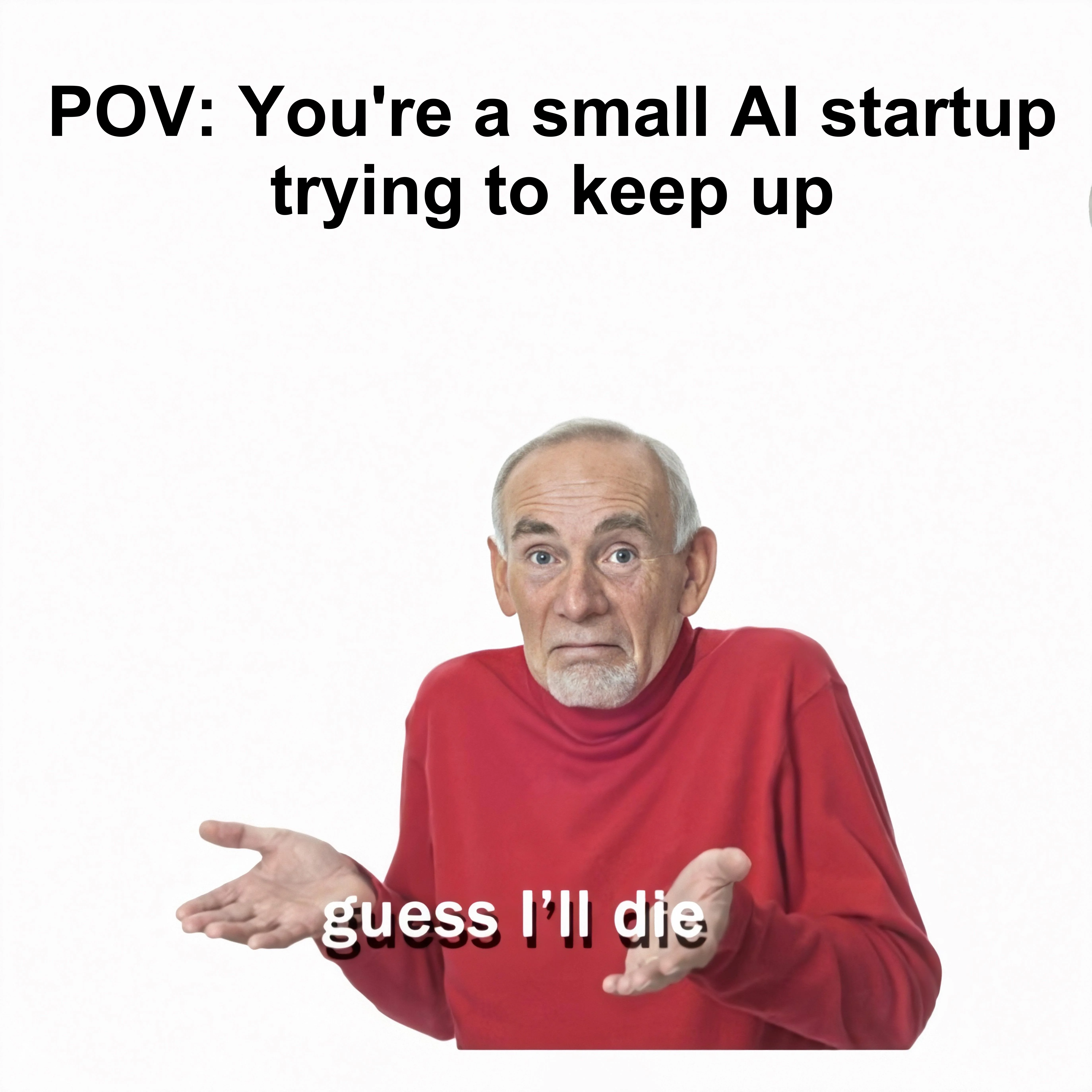
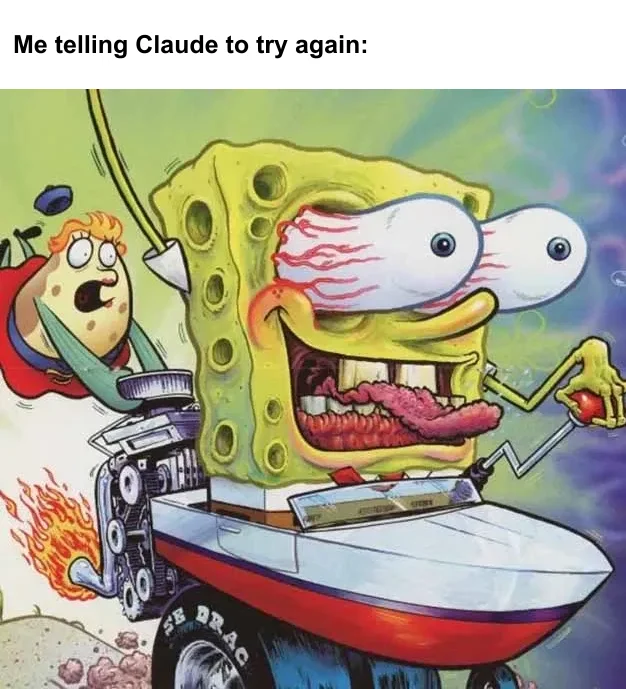
Example Outputs




Quick Start: Video Meme API
Generate captioned video memes from your prompt. Videos are selected from the template library, captioned automatically, and rendered. Results are delivered via webhook.
POST /api/v1/ai-video-meme— Generate video memes with AI captionsPOST /api/v1/ai-video-meme/edit— Edit the caption of an existing video memeGET /api/video/render/remote?jobId=...— Poll render job status
count parameter, each generated video is billed individually.Request Body
| Parameter | Type | Required | Description |
|---|---|---|---|
| prompt | string | Yes | Topic or idea for the video meme |
| count | number | No | Number of video memes (default: 1, max: 5) |
| webhookUrl | string | No | URL to receive results when renders complete |
| webhookSecret | string | No | HMAC-SHA256 secret for webhook verification |
| category | string | No | "trending" or "classic" |
| template_id | string | No | Specific video template asset ID |
| force_caption_style | string | No | Force caption style: "top" (letterbox) or "tiktok" (centered overlay). Overrides default dimension-based behavior. |
Immediate Response (200)
{
  "success": true,
  "prompt": "when the code works on the first try",
  "total_requested": 1,
  "jobs": [
    {
      "job_id": "render-1740524400000-abc12",
      "template_name": "Surprised Pikachu Video",
      "template_id": "abc-123",
      "caption": "When the code works on the first try"
    }
  ],
  "message": "Render jobs started. Results will be POSTed to webhookUrl."
}
Webhook Payload
Each render job POSTs its result to your webhookUrl when complete.
{
  "jobId": "render-1740524400000-abc12",
  "success": true,
  "mp4Url": "https://...signed-url...",
  "templateName": "Surprised Pikachu Video",
  "templateId": "abc-123",
  "caption": "When the code works on the first try",
  "stats": { "renderTimeMs": 12340, "outputSizeMB": "2.34" }
}GET /api/video/render/remote?jobId=... as a fallback.Edit Endpoint
Edit the caption of an existing video meme. Provide the original caption and an instruction describing what to change.
| Parameter | Type | Required | Description |
|---|---|---|---|
| instruction | string | Yes | What to change about the caption |
| template_id | string | Yes | Video template asset ID |
| caption | string | Yes | Current caption text to edit |
| audio_overlay_url | string | No | Audio URL to overlay (mutes base video audio) |
| force_caption_style | string | No | Force caption style: "top" (letterbox) or "tiktok" (centered overlay). Overrides default dimension-based behavior. |
| webhookUrl | string | No | URL to receive result when render completes |
Polling Job Status
Poll for render job status when not using webhooks:
// Pending
{ "status": "pending", "jobId": "render-..." }

// Completed
{
  "status": "completed",
  "jobId": "render-...",
  "mp4Url": "https://...signed-url...",
  "storagePath": "user-id/exports/ai-video-meme-....mp4"
}

// Failed
{ "status": "failed", "jobId": "render-...", "error": "Render timed out" }
Example Outputs
Generated with prompt: "something funny about startups"
Usage & Pricing
The API is usage-based. Each call draws from your account's usage balance in dollars, based on the cost of the underlying generation. Check spend anytime on Settings → Usage, and top up from billing settings.
Model Pricing
These are the prices you pay per generation — what you see is what you are charged, drawn from your usage balance.
Video Edits
| Model | Price |
|---|---|
| Pixverse Swap | $0.10 per generation |
| H3 Max Image To Video | $0.0003 per generation |
| H3 Max Reference To Video | $0.10 per generation |
| H3 Max Text To Video | $0.0003 per generation |
| Grok Imagine Video Image To Video | $0.10 per generation |
| Grok Imagine Video Text To Video | $0.10 per generation |
| Veo 3.1 Generate Preview | $0.52 per second |
| Wan 3.0 Image To Video | $0.20 per second |
| Wan 3.0 Prime Text To Video | $0.11 per second |
| Wan 3.0 Reference To Video | $0.20 per second |
| Seedance 2.0 Reference To Video | $0.60 per second |
| Seedance 2.5 Image To Video | $0.92 per second |
| Seedance 2.5 Reference To Video | $0.92 per second |
| Seedance 2.5 Text To Video | $0.92 per second |
| Cinema Studio 4.0 | $0.92 per second |
| Motion Transfer V1.0 | $0.64 per second |
| Object Swap V1.0 | $0.64 per second |
| O3 First Last Frame | $0.09 per second |
| O3 Image Reference | $0.19 per second |
| O3 Video Reference | $0.18 per second |
| Pro Image To Video | $0.19 per second |
| Pro Text To Video | $0.19 per second |
| Std Image To Video | $0.14 per second |
| Std Text To Video | $0.13 per second |
| V3.0 Turbo Image To Video | $0.12 per second |
| V3.0 Turbo Text To Video | $0.12 per second |
Image Edits
| Model | Price |
|---|---|
| Background Remove | $0.04 per generation |
| Tts Turbo V2.5 | $0.10 per generation |
| Sync Lipsync V2 | $6.00 per generation |
| Grok Imagine Image Edit | $0.04 per generation |
| Gemini 3.1 Flash Image Preview | $0.08 per image |
| Gemini Nano Banana 2.1 | $0.08 per image |
| Gemini Omni Flash Preview | $0.05 per image |
Text & Token Models
| Model | Input (per 1M tokens) | Output (per 1M tokens) |
|---|---|---|
| Gemini 2.5 Flash | $0.60 | $5.00 |
| Gemini 3.5 Flash | $0.60 | $5.00 |
| Gemini 3.8 Flash | $0.60 | $5.00 |
| Gemini 3 Pro Preview | $4.00 | $24.00 |
| Gemini Embedding 2 Preview | $0.30 | — |
| Gpt 5.1 | $2.50 | $20.00 |
| Grok 3 | $2.50 | $5.00 |
| Grok 4 | $2.50 | $5.00 |
| Grok 4 0709 | $2.50 | $5.00 |
| Grok 4 1 Fast Non Reasoning | $2.50 | $5.00 |
Token models power meme text generation and editing. Most API calls combine a small amount of token usage with the image or video generation shown above.
Apply For Free Usage
We are generous lovers & generous in our support of developers. Apply today.
Why are you still here...
Create your key and get started now. Do it.
Need help? Contact support or visit Developer Settings to manage your API keys.